SMART OFFICE SOLUTIONS
People Counting, Occupancy Sensors and Feedback for Office Buildings
Understand how people use your building, which workspaces are occupied, and how employees and visitors rate their experience. Use the data to support space planning, cleaning and daily facility management.
Measure entries and exits, understand desk and meeting room usage, and collect feedback at selected service points. Use these insights to review space allocation, cleaning schedules and the experience of employees and visitors.
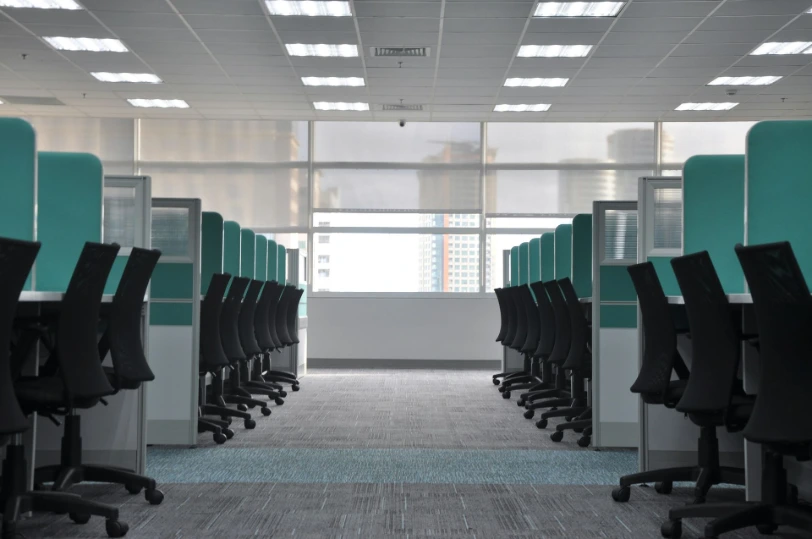
Three Ways to Understand Your Building
People Counting Systems
Measure entries, exits and visitor traffic at building entrances or selected access points. Identify busy periods, compare usage across locations and support reception and cleaning schedules with measured traffic data.
Where the installation supports reliable entry and exit measurement, people counting can also help estimate occupancy within a defined area.
View People CountersDesk and Room Occupancy Sensors
Detect whether desks, meeting rooms and selected workspaces are occupied. Understand usage patterns and identify spaces that are frequently used or regularly left empty.
Choose sensors according to the area being monitored and whether you need presence detection, occupied/free status or people counts.
View Occupancy SensorsEmployee and Visitor Feedback
Place feedback terminals near reception desks, meeting areas, restrooms or other service points. Let people quickly rate their experience and help facility teams identify recurring problems.
Review results by location and period to understand where service improvements are needed.
View Feedback TerminalsHow Does Orisiz Work?
Measure traffic, workspace occupancy and satisfaction. Review the reporting tools available for your selected devices, then use the findings to improve space planning and daily services. Where supported by the chosen integration, connect sensor events to operational alerts and tasks.
Connected Office Data and Insights

Turn Building Data into Practical Improvements
Measure traffic, understand workspace occupancy and collect feedback to support better decisions across your office building.
Plan Spaces Around Actual Use
Identify busy areas and underused workspaces. Support decisions about desk allocation, meeting rooms and shared facilities with occupancy data.
Adapt Cleaning to Demand
Use visitor traffic and restroom usage patterns to review cleaning frequencies and prioritize areas that need more attention.
Improve Reception Planning
Understand when people arrive and how traffic changes throughout the day. Use these patterns to support reception coverage and visitor services.
Respond to Service Feedback
Identify locations or periods with lower satisfaction scores. Give facility teams a clearer starting point for investigating and resolving service issues.
Compare Locations Consistently
Use comparable metrics across buildings or floors where your configuration supports them. Identify differences and track the results of operational changes.
Connect Data to Daily Operations
Discuss how compatible sensor data can support reporting, notifications and task management within your existing systems or the Orisiz application.
Choose the Right Configuration for Your Office Building
Start with the questions you want to answer. We help you select suitable devices and discuss installation requirements, connectivity, reporting and integration options.
Understand Building Traffic: Use people counters at relevant entrances to measure visitor traffic and identify busy periods.
Monitor Workspace Occupancy: Use occupancy sensors suited to desks, meeting rooms and selected shared areas.
Listen to Employees and Visitors: Install feedback terminals at service points to understand satisfaction and identify areas for improvement.
People Counting
Desk and Room Occupancy
Employee and Visitor Feedback
Data-Informed Facility Management
Ready to Understand How Your Office Building Is Used?
Tell us about your entrances, workspaces and service areas. We will help you identify a suitable combination of people counting systems, occupancy sensors and feedback terminals.